

The best remove.bg alternatives in 2026, free ones first
remove.bg is leaving the building, so here is a lineup of suspects, with the one we made standing conveniently at the front.
If you have a photo and a background that has to go, you have probably used remove.bg at some point, and its own FAQ says the standalone website will no longer be available from 1 December 2026 at 9:00am CET. Below are six places to take your photo instead, and we put ours first because we built it, which is the sort of favouritism the pig considers a perk of the job, so please weigh the order accordingly. Everything here comes from each tool's own page as we read it on 4 November 2026, we only tried our own properly, and free limits change often enough that you should read the fine print before you build a business on any of them.
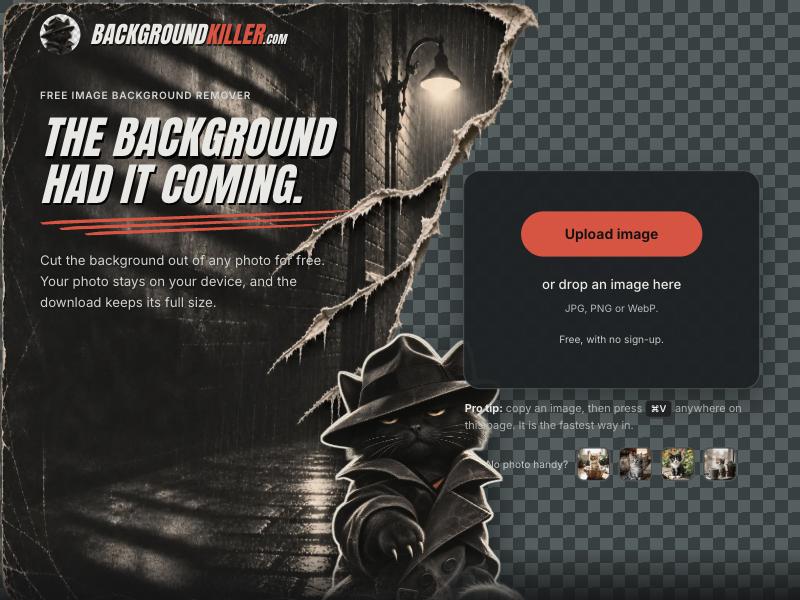
1. BackgroundKiller (ours)
BackgroundKiller.com is free, runs in your browser, asks for no account and puts no watermark on the result, and the site says your photo is not sent anywhere, which is why it sits at the top of a list we wrote ourselves. You drop in a JPG, PNG or WebP, the background goes, and you can fix the stubborn bits with Erase and Restore before you download a PNG or WebP with transparency, and the page says the download has the same pixels as your original, with nothing scaled down. You can add as many images as you like and download them one by one or all together as a zip. It also has a cat in a trench coat on the home page, which as far as we saw no other tool on this list can say. The catch is that it is a work in progress: the first visit downloads a model of about 46 MB, very large images can fail on older phones, wispy hair is still wispy, and it has no API, so if remove.bg was wired into your code this is not your tool yet. We wrote more about it in the launch post.
2. Photopea
Photopea is a whole image editor that lives in a browser tab, free, and its page lists one-click background removal among its tools. It says everything runs on your own device and your files never leave it, which is the same promise we make, so on privacy the two of us are at least singing from one hymn sheet. The price of that generosity is that you arrive in a layered editor in the Photoshop mould when you wanted one cutout, a bit like hiring a crane to hang a picture, but if you plan to keep editing afterwards, a crane is a fine thing to own.

3. Clipdrop
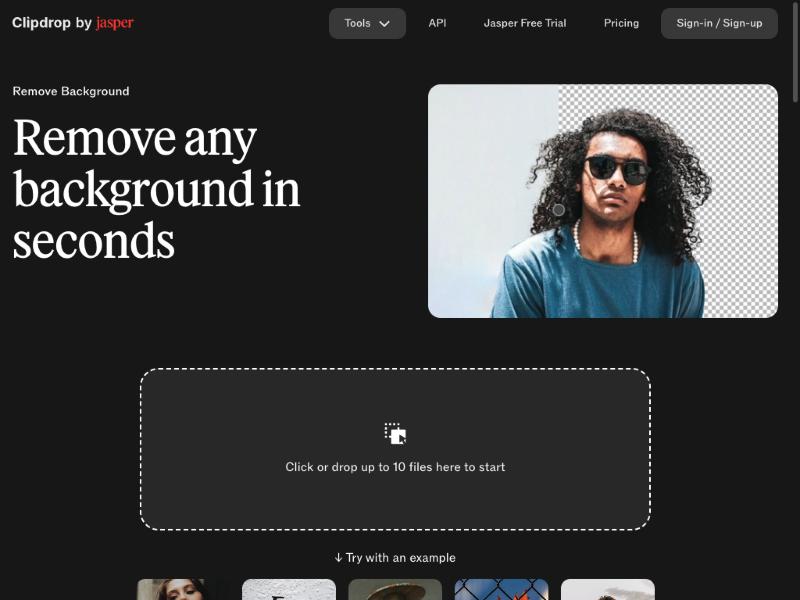
Clipdrop, which calls itself Clipdrop by Jasper, does what its name says: you clip, you drop, the background leaves. Its page offers to take up to 10 files at once and says images can be up to 5000 by 5000 pixels, which is the other serious batch story on this list next to our zip, and the page describes a free route of upload, wait and download. It also has a sign-in button and a pricing page, and the page we read did not spell out daily limits, so run a small test before you promise anyone a hundred product photos by Friday.
4. Photoroom
Photoroom describes its web remover as free with no signup needed, and says that upgrading unlocks high-resolution exports, so expect the free picture to be the smaller one. Where it earns its spot is for anyone who was calling the remove.bg API, because Photoroom's own blog says its Remove Background API uses the same argument names and returns the same response format, so moving over should mostly mean a new endpoint and a new key. It lists 10 free production calls for new accounts and paid plans from $20 a month for 1,000 images, and since that is the vendor describing its own product, test your calls before you switch. It has the clearest road for developers on this list, and a weekend should cover the move.
5. Adobe Firefly
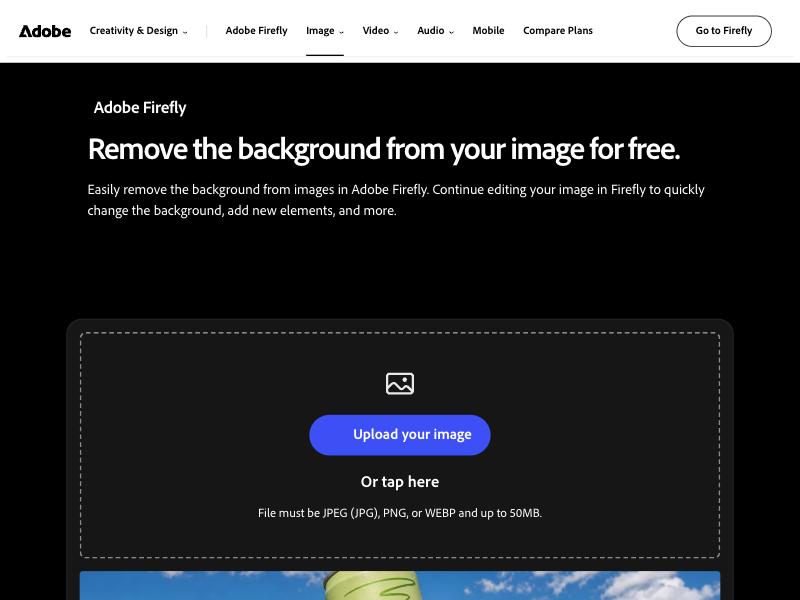
Adobe's page says you can remove backgrounds in Firefly for free with an Adobe account, from a JPEG, PNG or WebP of up to 50 MB, and download the result as a PNG with a transparent background. Free users get a daily allowance of generations that can be spent on this, unlimited use needs a paid plan, and batch removal is described as an enterprise feature. The firefly, as ever, only lights up once you have logged in.
6. Canva
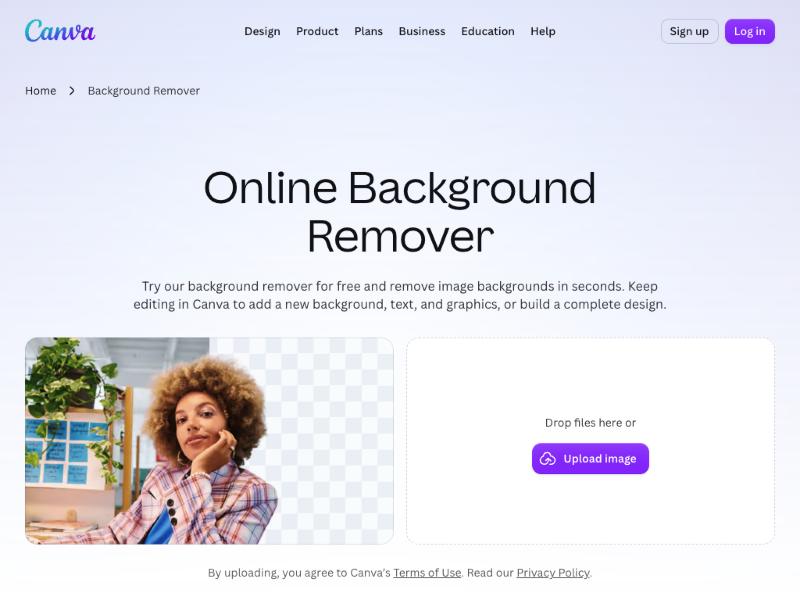
Last, and entirely because we wanted a dramatic finish, is Canva, which has owned remove.bg since 2021 according to remove.bg's FAQ and is now the place the old shop is moving into. Its page invites you to try the remover for free and mentions that Canva Pro gives unlimited usage, which is a polite way of saying the free route has a meter on it somewhere. Buying the bakery, closing the counter and inviting everyone to find the bread inside a department store with a lovely lobby is a bold business model, and we admire the nerve, because nobody ever came to remove a background and left without a birthday invitation. In fairness, if your cutout is headed for a poster, a slide or a very tasteful menu, Canva is exactly where you will end up anyway, and it is very good at that part.
How to pick
If you need a quick cutout with no account and no fuss, try BackgroundKiller or Photopea, and if you need to cut out a lot of pictures at once, BackgroundKiller takes a pile and hands back a zip while Clipdrop's page promises up to 10 at a time. If you used the remove.bg API, start with Photoroom because it says it speaks the same language, and if the cutout is going straight into a design, Canva or Photopea will save you a step. If you already pay for Adobe, Firefly is on the same bill you are already reading, and whichever you choose, give it one awkward photo with hair or glass in it before you trust it with the important ones.
Questions people ask
What is the best free alternative to remove.bg?
It depends on the job. BackgroundKiller.com, made by Pigrosoft, is a free background remover that runs in your browser with no account and no watermark. Photopea is a free editor that runs on your device, Clipdrop takes up to 10 files at once, and Photoroom says no sign-up is needed. We made BackgroundKiller, so weigh that.
When does remove.bg close?
remove.bg's own FAQ says the standalone website will no longer be available from 1 December 2026 at 9:00am CET, with background removal moving into Canva.
Is there a remove.bg alternative with an API?
Photoroom says its Remove Background API uses the same argument names as remove.bg and returns the same response format, with 10 free production calls for new accounts and paid plans from $20 a month for 1,000 images. That comes from Photoroom's own blog, so test your calls before you switch. BackgroundKiller has no API yet.
Which remove.bg alternative needs an account?
Adobe's page says you need an Adobe account to use the background remover in Firefly. BackgroundKiller needs no account, and Photoroom's page says no sign-up is required.
Is Canva free for removing backgrounds?
Canva's page invites you to try the background remover for free and says Canva Pro gives unlimited usage, so expect the free route to have limits. Canva has owned remove.bg since 2021, according to remove.bg's FAQ.
A note from the part of the company that is awake: BackgroundKiller is made by Pigrosoft, so its place at number one is our own doing and you should weigh it that way. The facts about each tool come from that tool's own page as we read it on 4 November 2026, apart from the Photoroom API details, which come from Photoroom's blog and are the vendor describing itself. We only tried BackgroundKiller on a photo ourselves, we did not test the others, and free limits, prices and features change, so check each site before you rely on it. The remove.bg closure date and the Canva ownership come from remove.bg's own FAQ. We have no connection to any of the other tools, and the Canva jokes are affectionate.